Seasick
“… you can’t run forever, Cap’n. Sooner or later you run out of ocean to sail. The edge of the map seems far away, but so does a maelstrom till you tilter on the precipice…”
Presenting: SEASICK – a horror videogame by KSJ Studios // Kay Saint Joseph. A sea captain ruled by fear runs from a mistake. But can she ever outrun her sin?
Play as The Captain, steward of The Amber Plague, as she sails the Labyrinthian Sea trying to escape. Travel through uncertain waters and the immaterial; fight for survival; and search for undeserved peace.
Follow along with development through my updates below:)
First Steps
I created the “minimal debug version” today – a main menu with usable buttons; that leads to a small map where the player can control a sprite with very basic movement; and all with music playing.
As the above would require, I also created the main sprite of the the player character’s ship. Pixel art always intimidates me, but once I’m in the zone I love making it. Ask me again in sixteen ships time though…
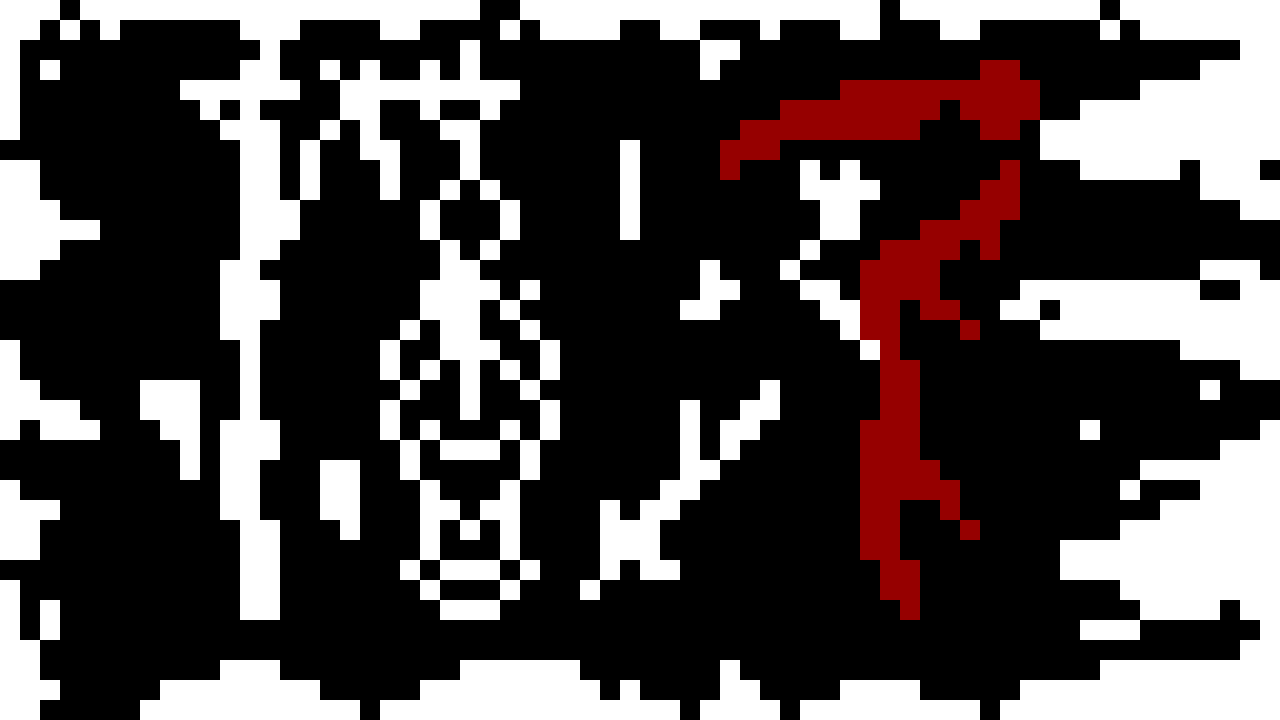
I also designed a flag for The Amber Plague. I’m sure you will agree, this would strike fear into the heart of any sailor unlucky enough to see it.
Tune in next time to see how the more advanced movement controls for the ship go.
Movement & Fun With Classes
I got the movement working pretty nice. The ship accelerates and decelerates slowly, like a ship would. It’s probably a bit sluggish to be “fun” for a player – but since when do game devs like me care about the player? The player is an abstract concept that exists to interfere with my vision.
In any case, the framework is there to tweak as required until it is fun.
In a separate breakthrough, I watched a Youtube video on classes and
refactored a lot my ship code into a class for Ship. This includes methods
for – among other things – getting the
direction the ship is facing, picking an animation to play, and
the the movement code. The values for speed and accel are even exported,
if you can believe that.
At some point, I managed to introduce a bug that killed The Amber Plague’s
movement speed. Given that the movement mechanics had worked well until this
point, I was a more than a little concerned by this. However, after poring
over the new class to find the code that didn’t like being
refactored, I eventually noticed that _process in The Amber Plague’s script
had changed to _physics_process.
This must have been the Godot’s editor’s fault. Clearly, it had followed my keystroke instructions when it should’ve just known what I really wanted to do, and done that instead.
Anyway, onwards – next on the todo list, tilemaps.
More Movement! More Sprites!
I didn’t do tilemaps.
To avoid doing tilemaps, and to celebrate the previous update’s movement advancement, I instead drew some shiny new sprites. This means the ship can now face directions – sailing up, sails up. Sailing left or right, sails left or right. Sailing down? That’s right! The Amber Plauge sails down.
There is a slight issue with the sprites, in that the depth and perspective is off. Left and right are fine, but up and down are driving straight out the water or straight into the water. On an almost perpendicular plane. I also think that the rear view of The Amber Plague is too bulky compared to the other views, yet also doesn’t match the size of them.
The art is cool though, so it can stay for now. There’s also the risk that changing it now means I tinker with that forever, and get nothing else done.

I don’t think I can avoid tilemaps any longer. They are the blocker on this section of the roadmaps. I’m not sure why they scare me so much – I think I saw a scary Youtube video at some point.
Improving The Ship Class
In my ongoing quest to avoid doing tilemaps, which will probably end up being
one of the simplest concepts in Godot, I have refactored yet more code
into the Ship class. The result is that the The Amber Plague’s gdscript has
been reduced further into simply:
extends Ship

func _process(delta) -> void:
    var direction =
        Input.get_vector("move_left", "move_right", "move_up", "move_down")
    var v_delta = direction * accel * delta
    move_and_set_animation(v_delta, delta)
    move_and_slide()
Whilst the ship class previouly had methods to do this, they had to be manually
called to get the facing direction, to set the speed, to the animation
name for the direction, to make the sprite play said animation, etc.
It’s now all done by move_and_set_animation. Three cheers for encapsulation!
It will expand again once I add actual mechanics to the game, no doubt about it, but for now it’s nice and clean.
Enemy ships are even better off – they require no script whatsoever. The
Ship class’s _process function handles it all for them, no override needed.
Though The Amber Plague will more than likely require more bespoke code, with
the enemy ships I should be able to keep their entire code in the class.
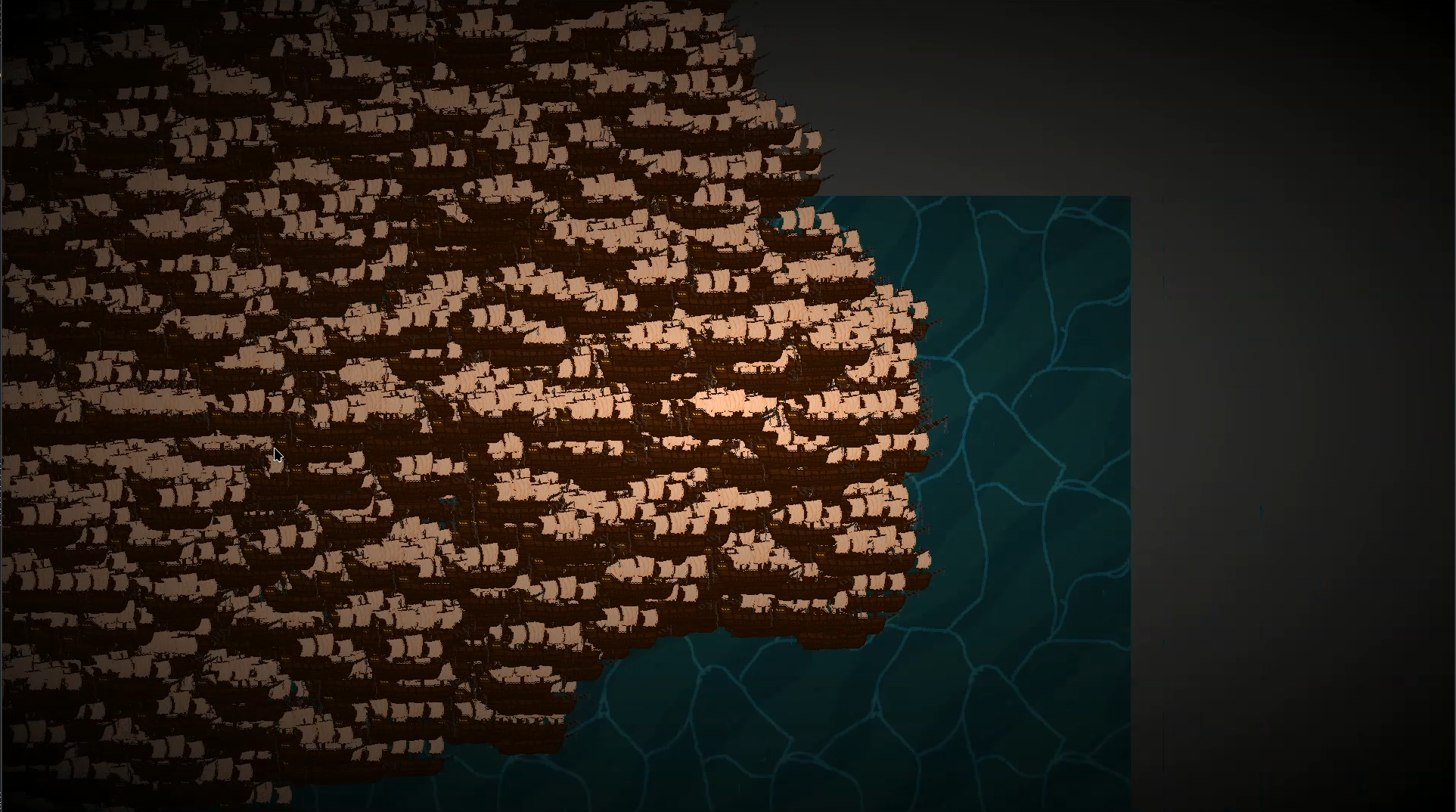
To celebrate my successes, I set up a simple enemy ship example and spawned in five thousand of them.
A Quick Note on Tilemaps
Tilemaps are actually pretty easy! I only went into the basics, but even the more advanced usage doesn’t look too bad. All my fear was for nothing!
Except.
It wasn’t tilemaps I needed. My thinking was that it should be possible to infinitely generate tile maps wherever the player moved. Unfortunately, tilemaps don’t do that and aren’t for that. There’s probably a way to make it work by making a big one and teleporting it under the player every time the water/waves animation finishes (and starts again) or something, but that sounds 1) really hacky, and 2) unsustainable when I want to add more levels.
This is meant to be a fun cool game, but it’s also a learning experience for me, Kay, and doing hacky stuff doesn’t progress that goal. I’ll happily hack away in a gamejam (like Death’s Season – some of the level scenes in that are duct taped together), but I want to gain something from more from this. There’s no rush – life is about the journey too:)
Anyway, once I’ve watched the hour of so of videos that I have queued up, I’ll be back.
An Even Quicker Note on Tilemaps
I think it is tilemaps I need actually. Create a few chunk tiley things, and procedurally generate them in a tilemap.
Tilemaps manually are nice! Tilemaps in code are less so. I’m struggling to actually get them to generate automatically – given there’s a couple hundred tiles I want to generate, doing it by hand isn’t feasible. Anyway. Back to it.
PS. I haven’t forgotton about Seasick, but Stardew Valley got its claws deep into me again, and is sapping all my time. I have very little self control.
Sailing But Real
Development on Seasick has slowe down recently – partially, this is because I have also been working on Carmel for Stardew Valley. That too has stalled however.
The main reason is that I have recently moved home. I mean moved in the literal sense; I had to sail from one marina to my permanant mooring. Between moving on to the boat, to moving the boat, to adjusting to boat life. The most annoying thing is have to duck down for the main entrance and exit.
The other issue has been finding a place to do my personal work including gamedev. My main PC is a Steamdeck, which is (unless you’re a real warrior) difficult to properly work on without a separate screen, keyboard and mouse.
The most important point is that I now have my own boat. Add the way my mind works and I’m just like The Captain for real. I have a place to work now. Time to get back into it.